All articlesGeneral
Ransomware Protection for SMEs: 7 Critical Steps to Protect Your Business in 2026
4 August 20264 min readBy Omnicron Team
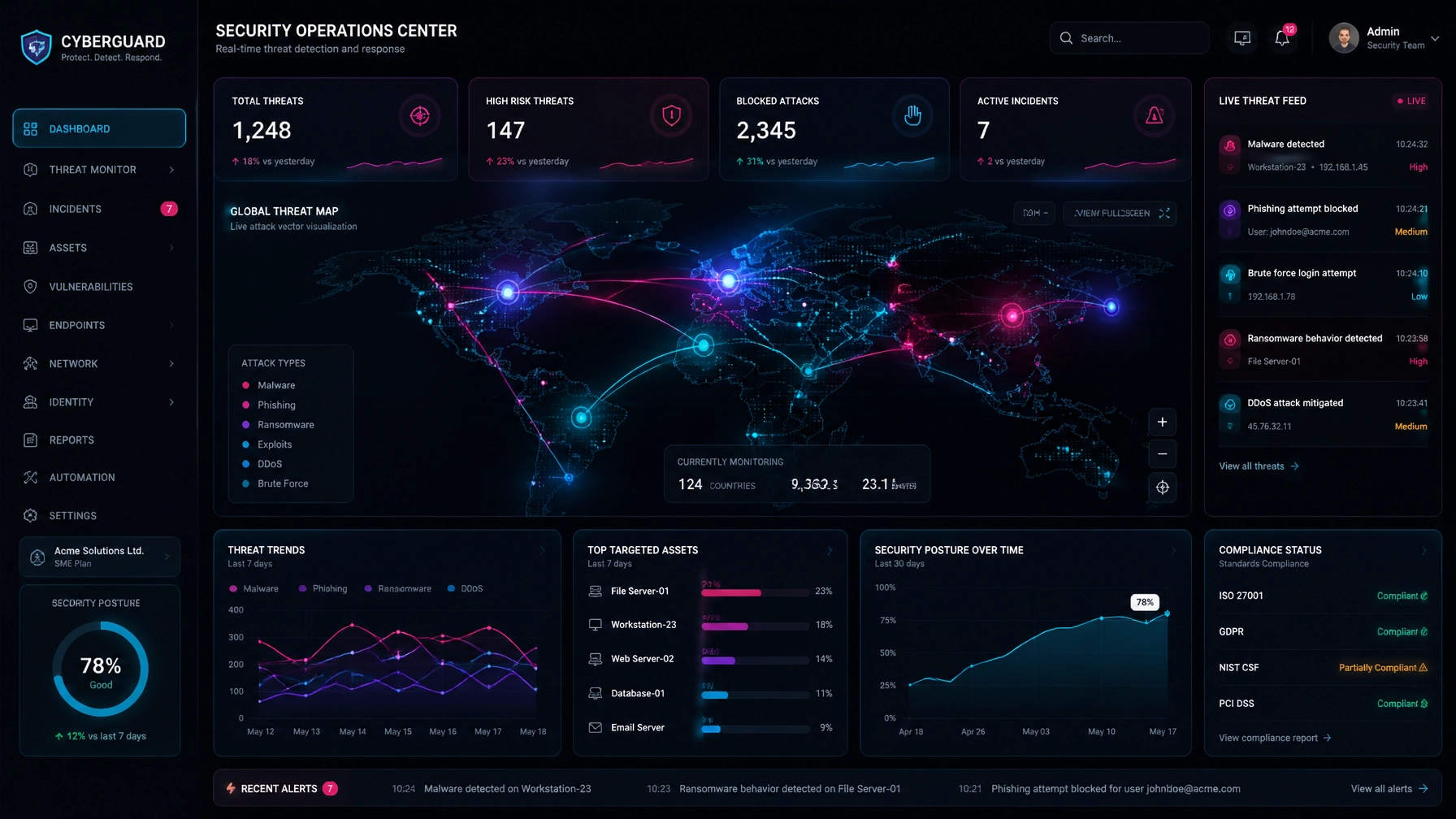
Ransomware Protection for SMEs: 7 Critical Steps to Protect Your Business in 2026

As the threat landscape evolves, small and medium-sized enterprises (SMEs) across Victoria face an increasingly complex digital environment. Recent threat intelligence reveals a sobering reality: 61% of cyberattacks target small businesses, and the average ransom demand now exceeds $50,000 for SMEs. For legal practices, medical clinics, accounting firms, and manufacturing businesses handling sensitive client data, a single ransomware incident can cause catastrophic financial loss and operational downtime.
Effective cyber threat protection for SMEs requires more than basic antivirus software. Modern cybercriminals deploy automated, multi-vector attacks designed to bypass legacy defenses. Implementing a robust security posture is no longer optional: it is a fundamental requirement for business continuity.
In this guide, we outline the seven critical steps Victorian businesses must take in 2026 to achieve complete resilience against ransomware, backed by proactive managed IT services Melbourne businesses trust.
Traditional backups are no longer sufficient because sophisticated ransomware strains specifically seek out and encrypt connected backup repositories before launching their payload.
To guarantee recoverability without paying extortionists, businesses must implement immutable backups. Immutability ensures that backup data cannot be altered, deleted, or encrypted for a defined retention period, even by an administrator with compromised credentials.
Adhere to the gold-standard 3-2-1-1 backup architecture:
3 copies of your critical data across different storage media.
2 distinct local formats or devices.
1 offsite copy stored securely in the cloud.
1 immutable or air-gapped copy completely isolated from the primary network.

Compromised credentials remain the primary vector for unauthorized network access. Passwords alone offer virtually zero protection against modern credential-stuffing and phishing tools.
Enforcing Multi-Factor Authentication (MFA) across every user account, cloud service, VPN, and remote access portal creates an indispensable barrier. Organizations must prioritize phishing-resistant MFA methods, such as hardware security keys (FIDO2) or authenticator app push notifications, while completely phasing out SMS-based verification due to SIM-swapping vulnerabilities.
Cybercriminals actively scan corporate perimeters for known software vulnerabilities within hours of public disclosure. Waiting weeks to apply security updates leaves your digital door wide open.
A rigorous patch management discipline is essential for cybersecurity for small business Australia standards. Critical Common Vulnerabilities and Exposures (CVEs) affecting operating systems, firewalls, and third-party software must be patched within 48 hours of vendor release. Automated patch deployment and validation tools ensure zero gaps across remote and office-based endpoints.
Over 90% of ransomware infections originate from malicious email attachments or credential-harvesting phishing links. Standard spam filters are no longer enough to intercept targeted social engineering campaigns.
Modern email security must incorporate:
Advanced anti-phishing algorithms that analyze sender reputation and behavioral anomalies.
Safe Links technology to rewrite and verify URLs at the exact moment of click.
Safe Attachments sandboxing, which detonates suspicious files in an isolated virtual environment before delivery to the user's inbox.
Signature-based antivirus tools only detect known threats. Because ransomware variants mutate constantly, businesses require behavioral analysis capable of identifying zero-day attacks in progress.
Endpoint Detection and Response (EDR) solutions continuously monitor system activities, process injections, and file modifications across workstations and servers. When suspicious behavior is detected, EDR tools instantly isolate infected endpoints from the network to prevent lateral movement.

Giving every employee broad administrative rights across local machines and cloud environments dramatically increases blast radius during a security breach.
Implement the Principle of Least Privilege (PoLP): users should only possess the exact permissions required to perform their daily job functions. Elevate privileges only when necessary, monitor administrative sessions, and audit privileged accounts regularly to prevent insider risk or lateral compromise.
Technology alone cannot eliminate human error. Employees are frequently targeted with sophisticated spear-phishing campaigns designed to mimic trusted suppliers, financial institutions, or executive management.
Regular security awareness training transforms your workforce from a vulnerability into an active line of defense. Conduct unannounced simulated phishing tests, educate staff on red flags, and foster a transparent security culture where reporting a suspicious email is praised, not penalized.
Implementing these seven steps demands constant vigilance, specialized expertise, and round-the-clock monitoring: resources that internal IT teams often lack.
Omnicron’s Managed Protection services bridge this gap. Powered by our proprietary OmniShield Live Defence system, we provide real-time threat detection, automated remediation, and clear visibility into threat telemetry, encryption status, and system uptime.

Whether you are looking to secure your legal practice, medical clinic, or corporate office, our Victorian-based experts deliver responsive, security-first IT support tailored to your operational needs.
Do not wait for a security incident to test your defenses. Take the first step toward complete peace of mind with a Free Assessment or schedule a comprehensive Security Review with our Melbourne team today.

Book a free security check and we'll show you where your business stands clear next steps, no jargon, no obligation.
If you are unable to reach us by phone, please email and a member of our team will respond promptly.
Or explore our free security tools — 30+ scanners, checkers and assessments, free with an account.