All articlesGeneral
Cloud Misconfigurations & BEC: The Hidden Vulnerabilities Hitting Australian SMEs
2 October 20264 min readBy Omnicron Team
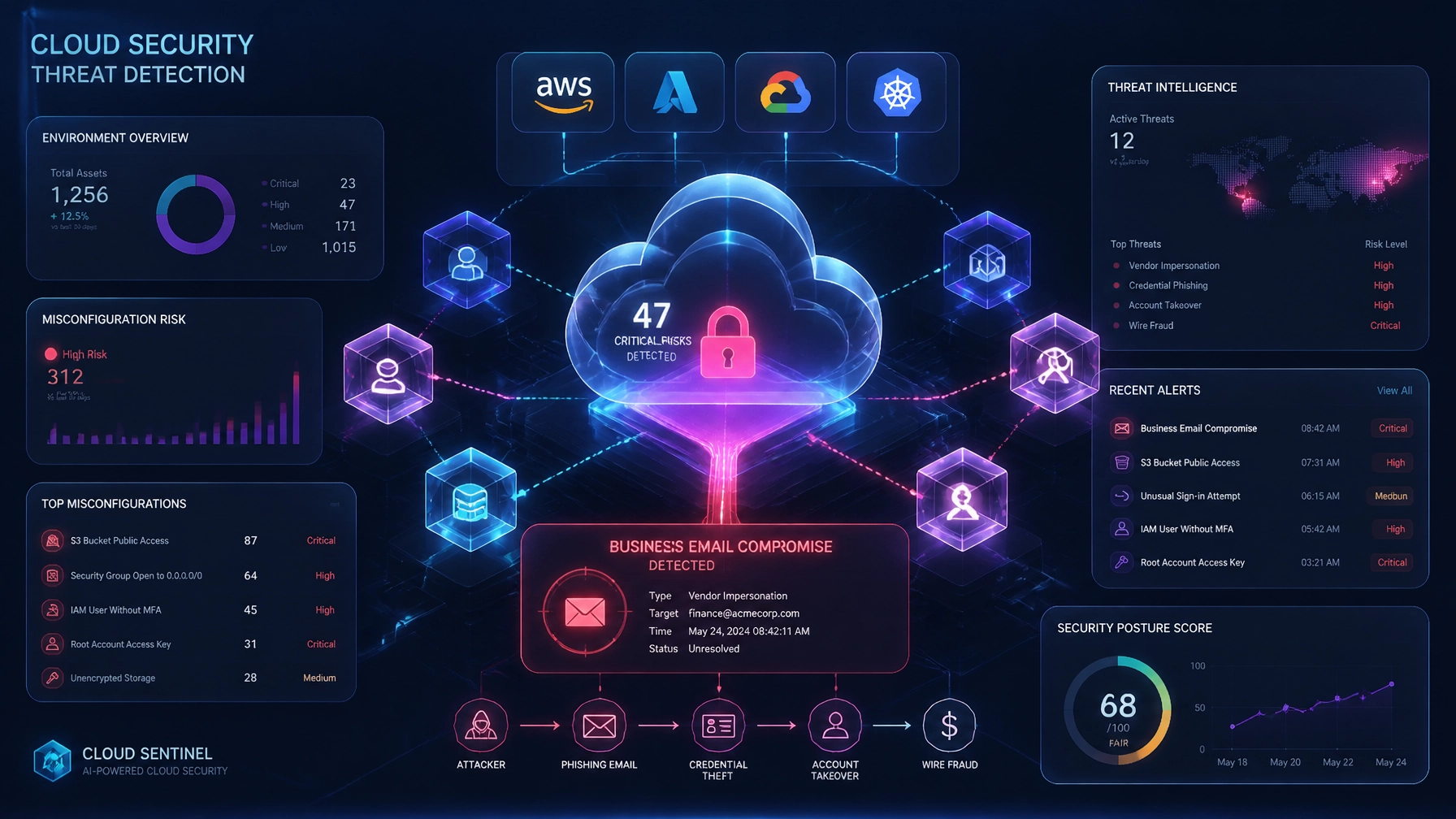
Cloud Misconfigurations & BEC: The Hidden Vulnerabilities Hitting Australian SMEs

As Australian small and medium-sized enterprises (SMEs) migrate core workloads to cloud platforms like Microsoft 365 and Google Workspace, operational agility has surged. However, this digital shift has introduced a sophisticated vector for financial crime: Business Email Compromise (BEC) driven by cloud misconfigurations. Rather than executing complex malware attacks or breaking encryption algorithms, modern threat actors exploit default settings, over-permissive sharing links, and administrative oversights to compromise business environments.
Understanding how these vulnerabilities manifest: and aligning your defences with guidance from the Australian Cyber Security Centre (ACSC) via cyber.gov.au: is essential for maintaining operational resilience and protecting business capital.
Incident reports across Australia demonstrate that successful cloud breaches rarely stem from exotic zero-day exploits. Instead, they rely on foundational configuration gaps that grant unauthorized access and persistence within corporate tenancies.
When multi-factor authentication (MFA) is absent or poorly enforced on administrative and user accounts, stolen credentials provide immediate entry. Attackers bypass traditional perimeters simply by logging in with valid usernames and passwords harvested from previous corporate or third-party data breaches. Once inside a Microsoft 365 or Google Workspace environment, threat actors gain full visibility over communication threads, internal directories, and financial workflows.

After gaining unauthorized access, attackers frequently establish persistence without alerting the user. By creating hidden inbox rules, they auto-forward inbound financial correspondence or automatically delete security alerts originating from IT providers or banks. This allows fraudulent invoice campaigns to operate undetected over extended periods, subverting internal controls and leading to substantial financial losses for Victorian businesses.
Unrestricted external sharing settings in cloud storage platforms often expose sensitive documents: such as payroll summaries, customer ledgers, and supplier contracts. Threat actors harvest these documents to craft highly targeted, convincing invoice redirection scams that target finance teams, making fraudulent payment requests appear identical to genuine supplier communications.
The ACSC emphasizes that cloud security cannot be treated as a "set and forget" deployment. Protecting SMEs from BEC requires continuous governance across identity, email authentication, and access permissions.
Official government security frameworks mandate app-based MFA across all staff accounts, with stringent restrictions on basic authentication protocols. Ensuring that legacy protocols are disabled prevents automated scripts from bypassing modern security boundaries.
To prevent attackers from spoofing corporate domains, organizations must implement robust email authentication protocols:
Sender Policy Framework (SPF): Defines which mail servers are authorized to send email on behalf of your domain.
DomainKeys Identified Mail (DKIM): Adds a cryptographic signature to outbound messages, verifying that the email was genuinely sent by your organisation.
Domain-based Message Authentication, Reporting, and Conformance (DMARC): Uses SPF and DKIM records to determine the authenticity of an email message and specifies how receivers should handle failures.
Implementing these records significantly reduces the likelihood that spoofed emails will reach your clients or internal staff.

Mitigating cloud misconfigurations requires a systematic approach to identity governance and system monitoring. Organizations should review their environments against the following operational controls:
Enforce Risk-Based Access Reviews: Periodically audit global administrator accounts and remove stale permissions or unnecessary elevated roles.
Restrict External Sharing: Limit "anyone with the link" permissions within cloud storage repositories and restrict external file syncing where business requirements do not necessitate it.
Monitor Risky Sign-Ins: Deploy automated alerts for impossible travel, unusual sign-in locations, or anomalous mailbox rule creation.
Dual Approval Workflows: Implement strict internal financial controls requiring verification via a trusted secondary channel before modifying supplier banking details.
For organizations seeking a structured baseline, exploring a professional Security Review provides clear visibility into existing vulnerabilities and configuration gaps before they lead to an incident.
As BEC campaigns increase in frequency and sophistication across Australia, reactive measures are no longer sufficient. SMEs require proactive, real-time oversight to detect unauthorized access attempts instantly.
Omnicron delivers robust Managed Services designed specifically to protect local businesses from technical downtime and financial compromise. Through our security-first approach and continuous monitoring frameworks, we ensure your cloud environments remain correctly configured, actively audited, and resilient against evolving threats.

Protecting your enterprise against cloud misconfigurations safeguards your operational capital and preserves client trust. Partnering with an experienced, local Australian team ensures your systems adhere to national security standards while freeing your internal resources to focus on core business growth.
To evaluate your organization's current cloud security posture or to discuss our managed protection solutions, Contact Us today.
Book a free security check and we'll show you where your business stands clear next steps, no jargon, no obligation.
Or explore our free security tools — 30+ scanners, checkers and assessments, free with an account.