All articlesGeneral
Backup and Disaster Recovery for SMEs: Why Your Data Isn't as Safe as You Think
4 September 20264 min readBy Omnicron Team
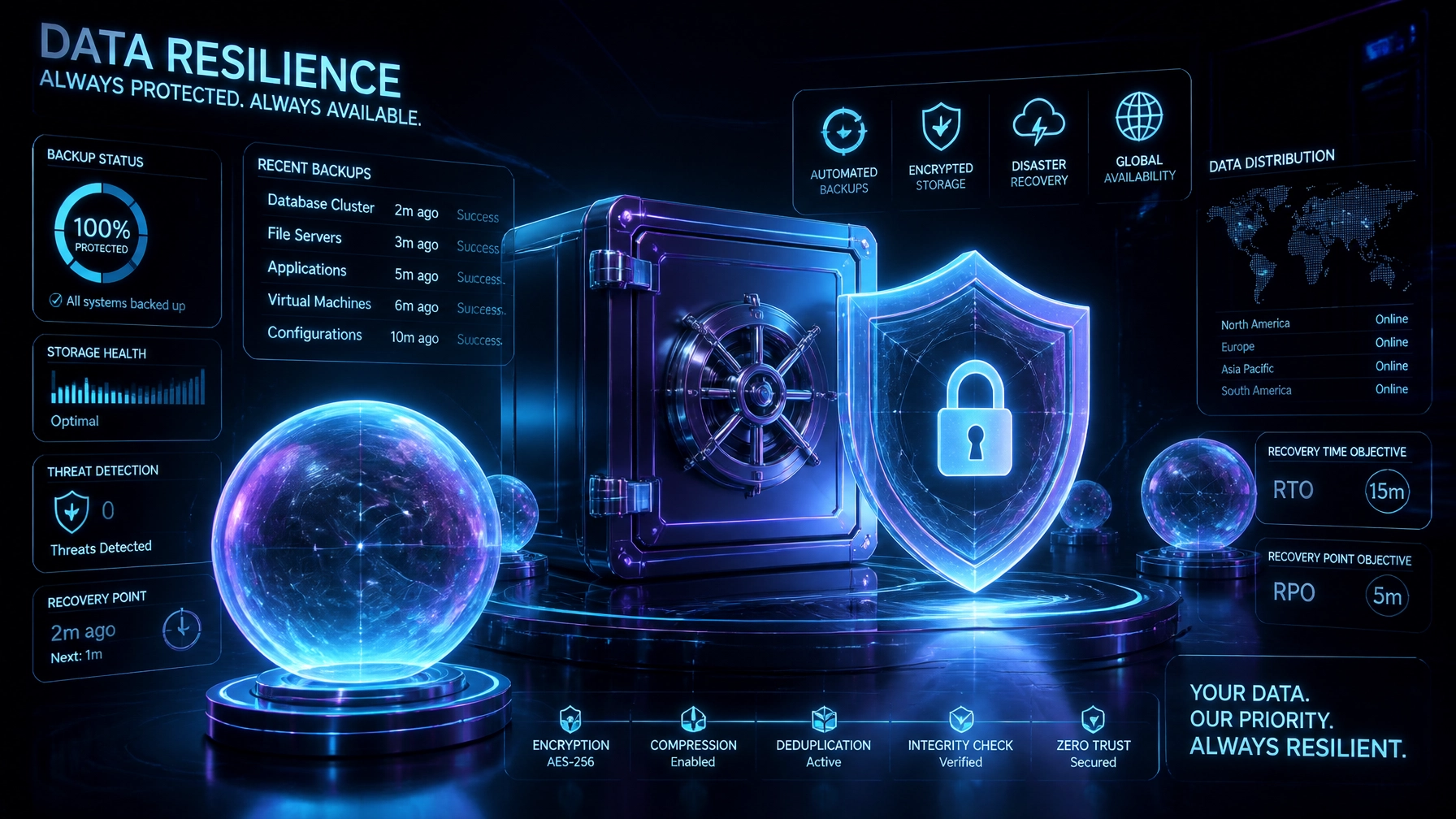
Backup and Disaster Recovery for SMEs: Why Your Data Isn't as Safe as You Think

For small and medium-sized enterprises (SMEs) across Victoria, digital data forms the operational core of every commercial transaction, client record, and financial ledger. Despite this reliance, a dangerous misconception persists across boardrooms: the assumption that automated file sync or standard cloud subscriptions equal a bulletproof backup and disaster recovery strategy.
When hardware fails, ransomware strikes, or accidental deletion occurs, businesses discover too late that their critical files were never truly protected. Achieving genuine operational resilience requires discarding outdated assumptions and implementing rigorous technical standards, such as the 3-2-1 backup framework and structured disaster recovery planning.
Omnicron delivers enterprise-grade managed IT services Melbourne businesses rely on to safeguard digital assets, maintain continuity, and secure operations against modern threats.
A widespread vulnerability among Victorian SMEs is the belief that utilizing cloud-based productivity platforms like Microsoft 365 or Google Workspace eliminates the need for independent backups.
Major cloud providers maintain exceptional infrastructure availability and service uptime. However, their responsibility centers on keeping their infrastructure operational, not preserving your historical data against internal tampering, sync corruption, or malicious deletion.

Cloud sync tools such as OneDrive or Dropbox mirror local changes instantly to the cloud. If ransomware encrypts your local files, those encrypted files instantly sync upward, overwriting clean versions with corrupted data. Furthermore, accidental deletions by employees or disgruntled personnel are often purged permanently past short-term retention windows.
Independent, immutable SaaS backups are mandatory for robust cybersecurity for small business Australia standards. Without a separate, isolated backup layer outside your primary tenant, your business remains exposed to catastrophic data loss.
Many organizations use the terms "backup" and "disaster recovery" interchangeably. In practice, they address entirely different operational requirements.
While a backup ensures your database files exist on another drive, disaster recovery defines the documented, tested process of spinning up replacement servers, rerouting network traffic, and resuming staff workflows within acceptable timeframes. Effective cyber threat protection for SMEs must incorporate both disciplines to prevent prolonged operational halts.
Decades of IT engineering have established the 3-2-1 backup rule as the foundational baseline for data protection. Relying on a single local backup hard drive or a solitary cloud folder creates a single point of failure.

To achieve true protection, your infrastructure must adhere to these three principles:
3 Copies of Data: Maintain your primary production data plus at least two distinct backup copies.
2 Different Media Types: Store your backups across two different storage formats (e.g., local network-attached storage and secure cloud object storage) to mitigate hardware-specific vulnerabilities.
1 Offsite and Immutable Copy: Keep at least one backup copy geographically isolated and logically air-gapped or immutable. This ensures that even if ransomware compromises your local network credentials, attackers cannot alter or delete your offsite archives.
Routine security reviews conducted across Victorian industries reveal consistent vulnerabilities in how businesses manage data recovery:
Backups Connected to Production Networks: If backup drives remain constantly mapped to the primary network, ransomware lateral movement infects the backups alongside production files.
Never Testing Restored Data: An untested backup is merely an unverified assumption. Organizations frequently discover months into an outage that their backup schedules failed silently or archives were corrupted.
Single Method Dependency: Relying exclusively on one backup routine without version history or offline redundancy leaves companies vulnerable to targeted deletion attacks.
Ignoring Remote Work Devices: With hybrid work models standard across Melbourne, critical data often resides exclusively on local laptops rather than corporate repositories.
Securing your business requires proactive management, continuous monitoring, and immutable safeguards designed to neutralize modern cyber threats before disruption occurs.
Omnicron’s Managed Protection service delivers comprehensive security infrastructure tailored to Victorian small and medium-sized enterprises:
Immutable Offsite Backups: We deploy automated, write-once-read-many (WORM) cloud backups across secure Australian data centres, ensuring complete data residency compliance and absolute immunity against ransomware tampering.
Regular Automated Restore Testing: We verify data integrity through scheduled restoration drills, ensuring your recovery mechanisms meet strict RTO and RPO targets.
OmniShield Live Defence Visibility: Our proprietary monitoring platform provides real-time transparency into threat detection, encryption status, and system uptime across your entire IT environment.
Local Australian Support: Our Melbourne-based engineering team provides rapid response and expert guidance, eliminating third-party delays during critical incidents.

Data loss and system downtime threaten business viability, customer trust, and financial stability. Waiting for an incident to test your backup architecture is a risk no modern enterprise should take.
Take control of your digital resilience with expert guidance. Visit our Security Review page or contact our team today to schedule your free IT assessment and discover how Omnicron protects your business.
Book a free security check and we'll show you where your business stands clear next steps, no jargon, no obligation.
If you are unable to reach us by phone, please email admin@omnicron.com.au and a member of our team will respond promptly.
Or explore our free security tools — 30+ scanners, checkers and assessments, free with an account.