All articlesGeneral
ACSC Small Business Cyber Security Guide: 10 Steps to Protect Your Business
30 July 20265 min readBy Omnicron Team
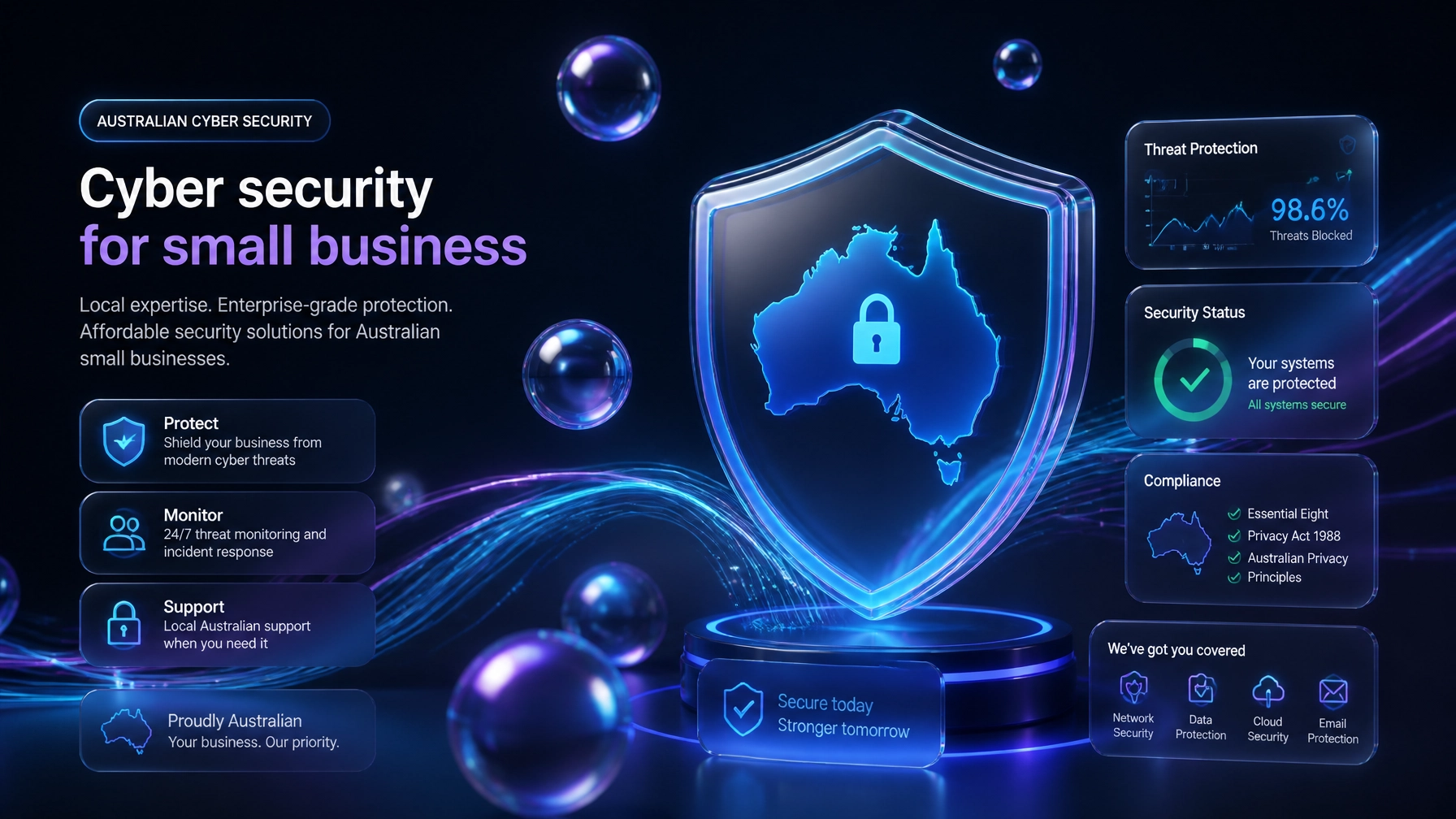
ACSC Small Business Cyber Security Guide: 10 Steps to Protect Your Business

For small and medium-sized businesses across Melbourne and regional Victoria, maintaining operational continuity is directly tied to robust digital resilience. Cyber threats targeting Australian SMEs have evolved from opportunistic malware campaigns into sophisticated, automated intrusions. To combat these risks, business leaders must align their defensive postures with authoritative national standards.
The Australian Cyber Security Centre (ACSC), operating under the Australian Signals Directorate via cyber.gov.au, provides comprehensive guidance tailored specifically to organizational risk profiles. Implementing effective cybersecurity for small business Australia standards safeguards sensitive data, protects financial assets, and preserves client trust.
Whether you operate a boutique medical clinic in Geelong, a legal practice in Melbourne CBD, or a manufacturing enterprise in Dandenong, adopting the 10 core recommendations outlined in the ACSC Small Business Cyber Security Guide is a mandatory baseline for operational stability.
The ACSC emphasizes that robust security does not require enterprise-level budgets; rather, it requires disciplined execution of foundational controls. Beyond general principles, the ACSC publishes device-specific hardening guides tailored for dominant commercial ecosystems: including specific configuration baselines for Microsoft Windows, Google Workspace, and Apple macOS environments.
By integrating these official guidelines into daily operations, businesses establish multi-layered barriers that neutralize the vast majority of automated cyber attacks. Below are the 10 essential steps every Victorian SME must implement to achieve true digital resilience.

Multi-factor authentication is the single most effective control against unauthorized access. By requiring two or more independent proofs of identity: such as a password combined with an authenticator app notification: MFA neutralizes credential stuffing and phishing attacks, even if a staff member's password is compromised. MFA must be enforced across email portals, accounting software, cloud storage, and banking platforms.
Where multi-factor authentication cannot be deployed directly, password strength is critical. The ACSC recommends utilizing long passphrases constructed from four or more random words (e.g., "correct horse battery staple" variants). These combinations offer immense resistance to brute-force decryption while remaining manageable for human memory.
Human error remains a primary vector in security breaches. Storing credentials in browsers or reusing passwords across multiple business platforms creates catastrophic single points of failure. Implementing a managed password manager ensures that staff generate, store, and utilize unique, highly complex credentials for every business application without friction.
Software vulnerabilities are continually discovered and exploited by malicious actors. Operating systems, firmware, productivity suites, and third-party applications must be kept up to date. Enabling automatic updates across all workstations and servers ensures that critical patches are applied immediately upon release, closing windows of vulnerability before threat actors can capitalize on them.
Built-in operating system protections are a valuable baseline, but comprehensive business environments require dedicated, enterprise-grade antivirus and endpoint detection and response (EDR) solutions. Modern security software continuously scans for anomalous file behaviors, isolating infected endpoints before lateral movement can occur across the corporate network.
Ransomware attacks aim to paralyze operations by encrypting critical data and demanding extortion payments. The ultimate countermeasure is a disciplined backup schedule following the 3-2-1 rule: three copies of data, across two different media types, with at least one copy stored offline or in an immutable cloud repository. Regular restoration drills must be performed to verify data integrity.

Not every employee requires administrative access to every system. Access controls must be configured on a strict "need-to-know" basis. Limit administrative privileges to designated IT personnel, ensuring that standard user accounts lack the permissions necessary to install unauthorized software or modify core system configurations.
Physical security is an extension of digital security. Unattended workstations in shared offices, reception areas, or remote co-working spaces present immediate vulnerabilities. Enforcing automatic screen locking after short periods of inactivity prevents unauthorized physical access during staff absences.
Hardware lifecycles inevitably require the retirement of laptops, desktops, and mobile devices. Simply deleting files or formatting drives leaves sensitive data vulnerable to recovery tools. All retired hardware must undergo cryptographic erasure or certified factory resetting and physical destruction protocols before leaving organizational custody.
Even with robust preventative measures, organizations must be prepared for worst-case scenarios. Document a clear incident response playbook detailing immediate containment steps, communication protocols, and mandatory reporting pathways. Incidents must be reported promptly to the ACSC via cyber.gov.au to assist national threat mitigation efforts.
Translating national security guidelines into daily operational workflows requires specialized technical expertise. For Victorian SMEs seeking reliable managed services Melbourne businesses trust, achieving full compliance with the ACSC framework can be resource-intensive if managed internally.
Omnicron bridges this gap by delivering comprehensive cyber threat protection for SMEs. As a local Australian-based managed service provider, we specialize in security-first IT support tailored to the unique regulatory and operational needs of medical practices, law firms, accounting houses, and financial institutions across Victoria.

Our proprietary OmniShield Live Defence system provides enterprise-grade oversight for growing businesses. OmniShield delivers continuous, real-time monitoring of your IT environment, offering crystal-clear visibility into threat detection, encryption status, and system uptime.
When you partner with Omnicron, our local Melbourne engineering team handles the heavy lifting:
Security Reviews: Comprehensive audits to identify existing vulnerabilities across Microsoft, Google, and Apple ecosystems.
Remediation: Systematic closing of security gaps, enforcing MFA, setting up password managers, and hardening endpoint configurations.
Managed Protection: Continuous 24/7 monitoring, automated patching, and immutable backup verification backed by local Australian support.
Complying with the ACSC Small Business Cyber Security Guide is not merely a regulatory checkbox: it is the foundation of long-term business growth and client trust. Partnering with a dedicated local expert ensures your defenses remain impenetrable while your team focuses on core business operations.
Take the first step toward complete digital resilience. Explore our structured roadmap and schedule your Free Security Assessment with Omnicron today. Let our local Melbourne team protect your enterprise with industry-leading cybersecurity for small business Australia standards and OmniShield Live Defence.
Book a free security check and we'll show you where your business stands clear next steps, no jargon, no obligation.
If you are unable to reach us by phone, please email and a member of our team will respond promptly.
Or explore our free security tools — 30+ scanners, checkers and assessments, free with an account.